
☎
A dialer that orders the day
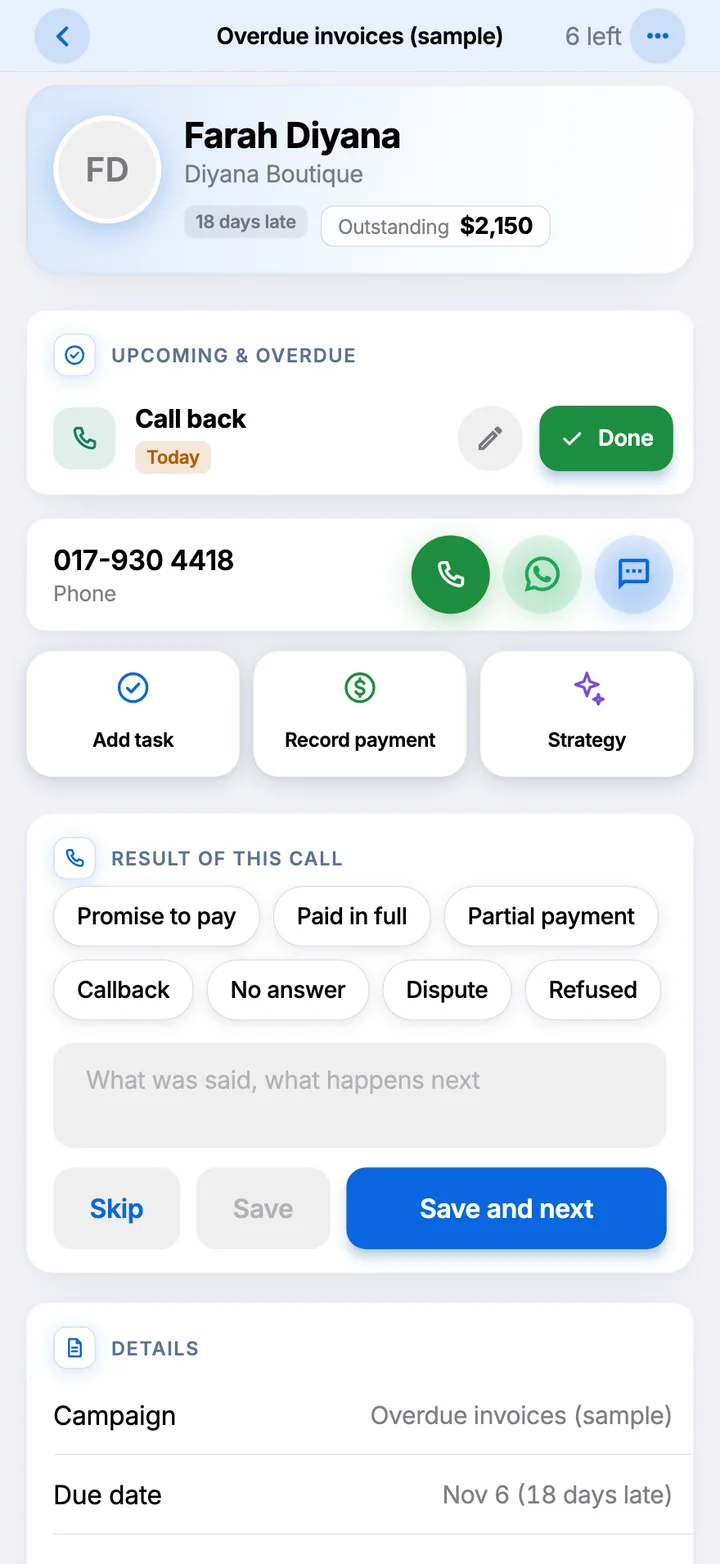
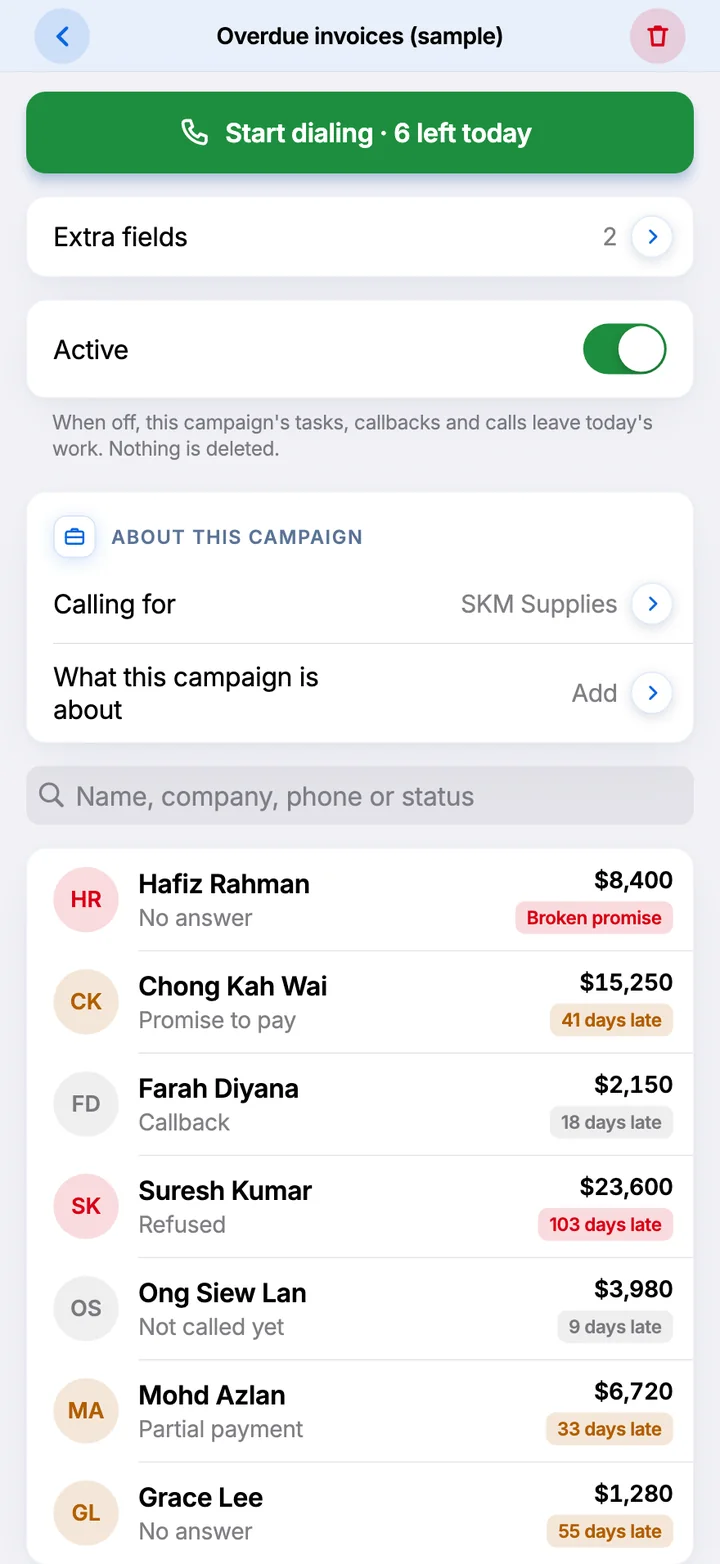
Callbacks due and broken promises come first, then the most valuable. Tap the number, talk, come back, pick the result, save and next.

Dialbook is a CRM for people who work from a list of people to call: sales follow-up, debt collection, or both. Import a spreadsheet, dial through it, record what happened, and never miss a callback or a promise to pay.
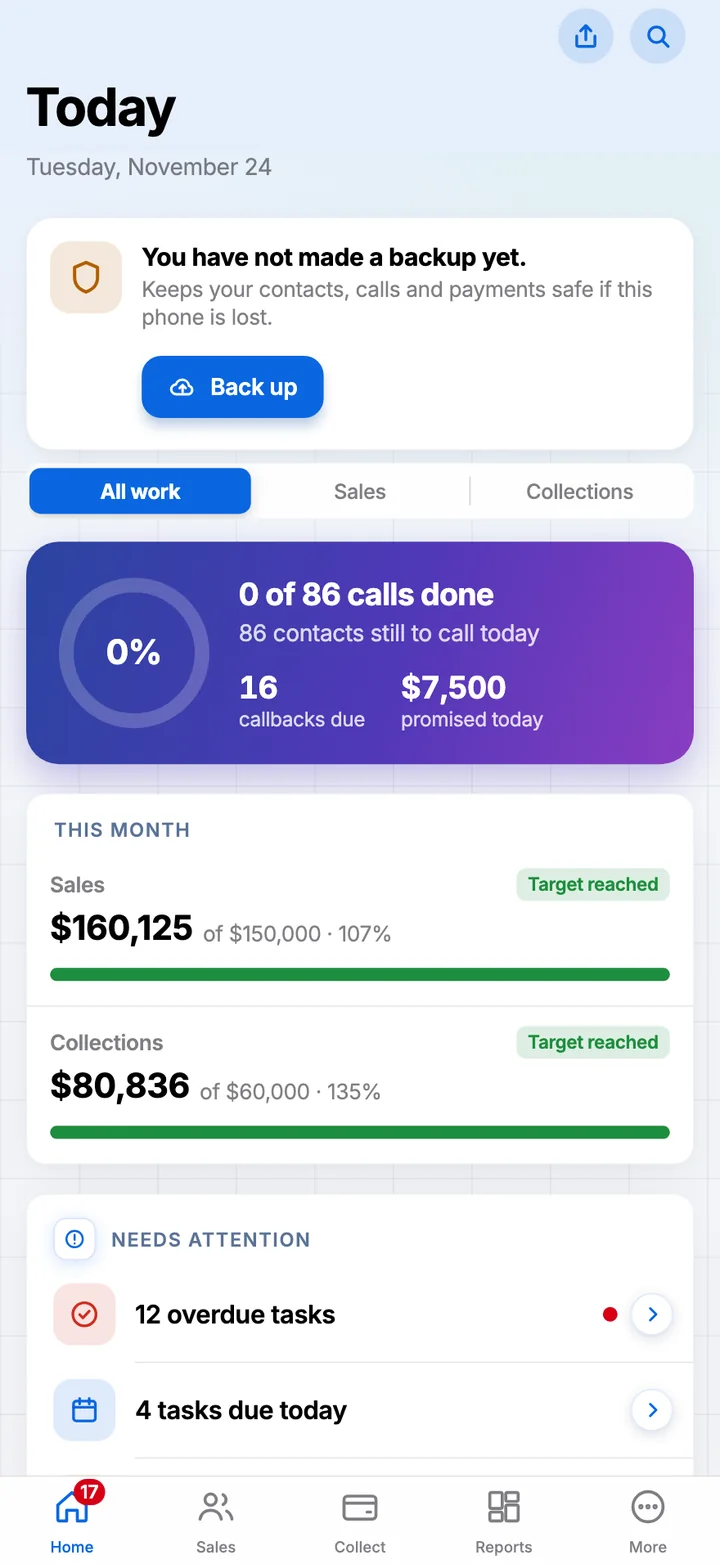
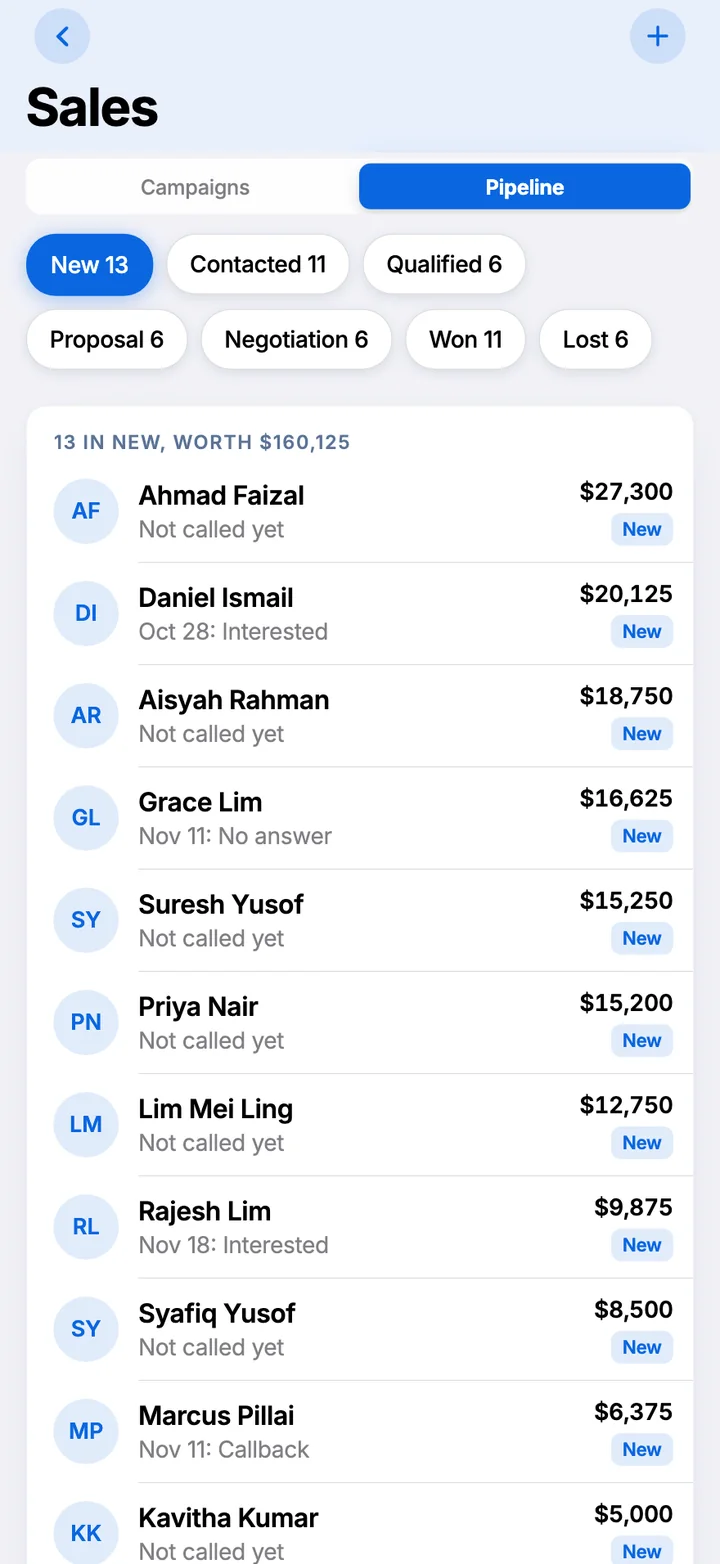
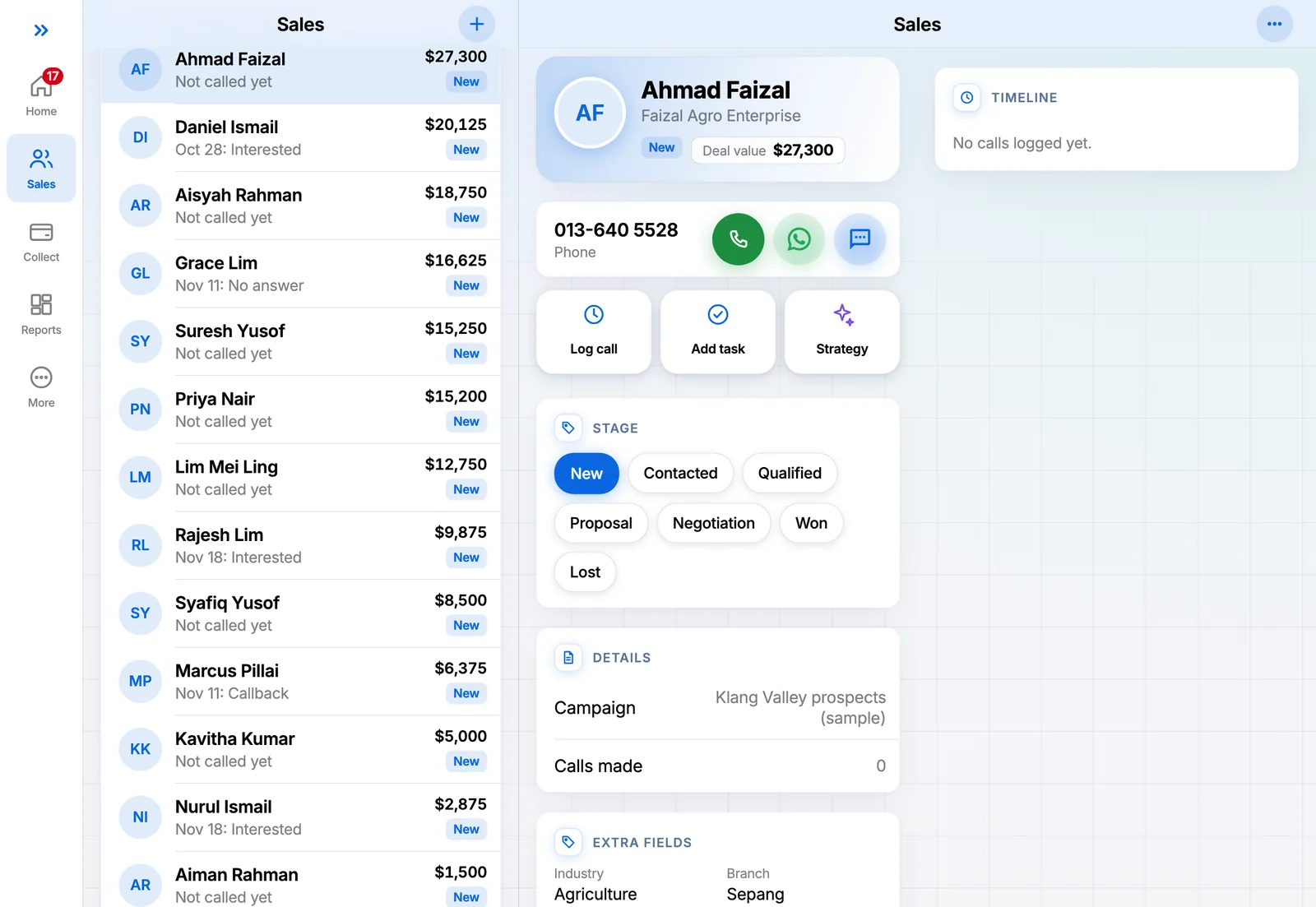
Leads move through New, Contacted, Qualified, Proposal, Negotiation and Won or Lost. Calls move them on their own, callbacks come first in the queue, and the win rate is always one tap away.
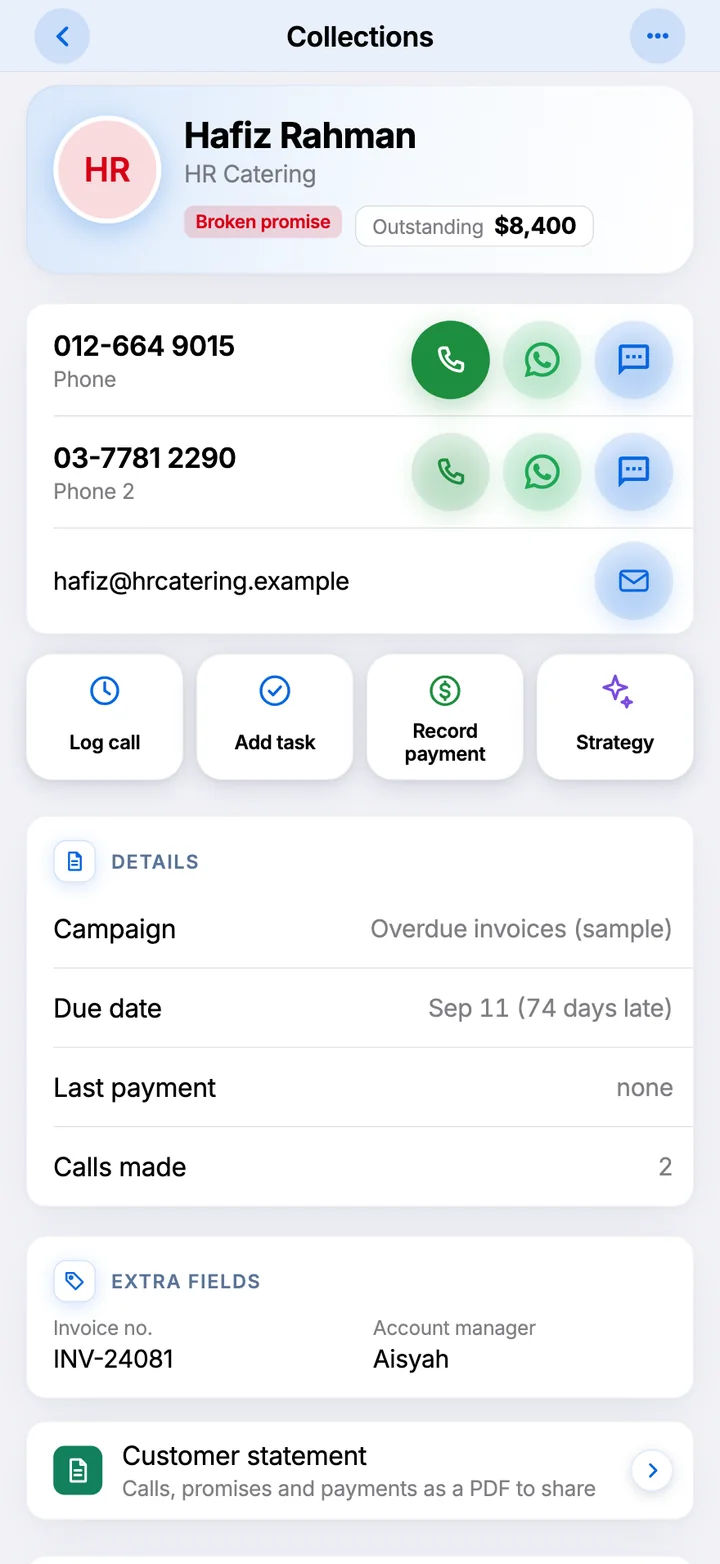
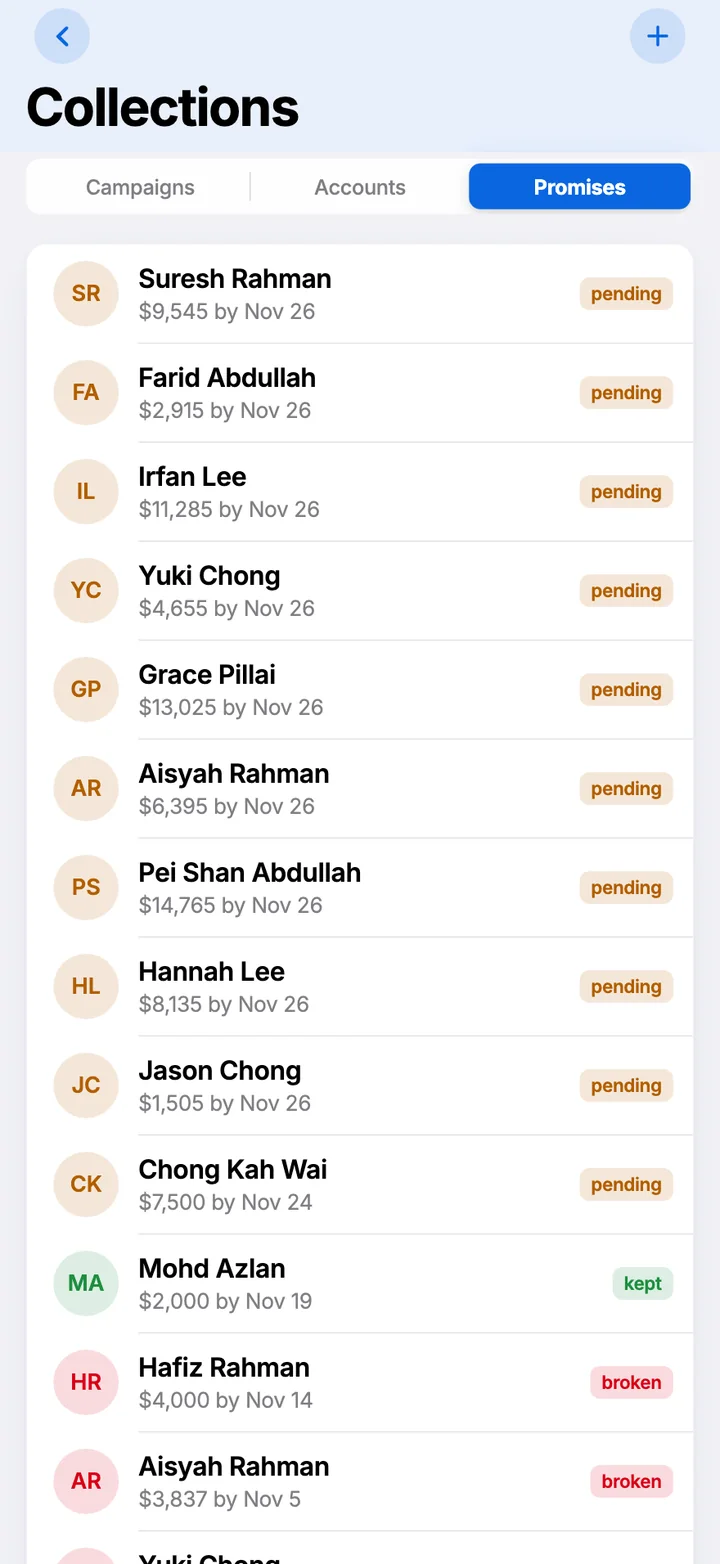
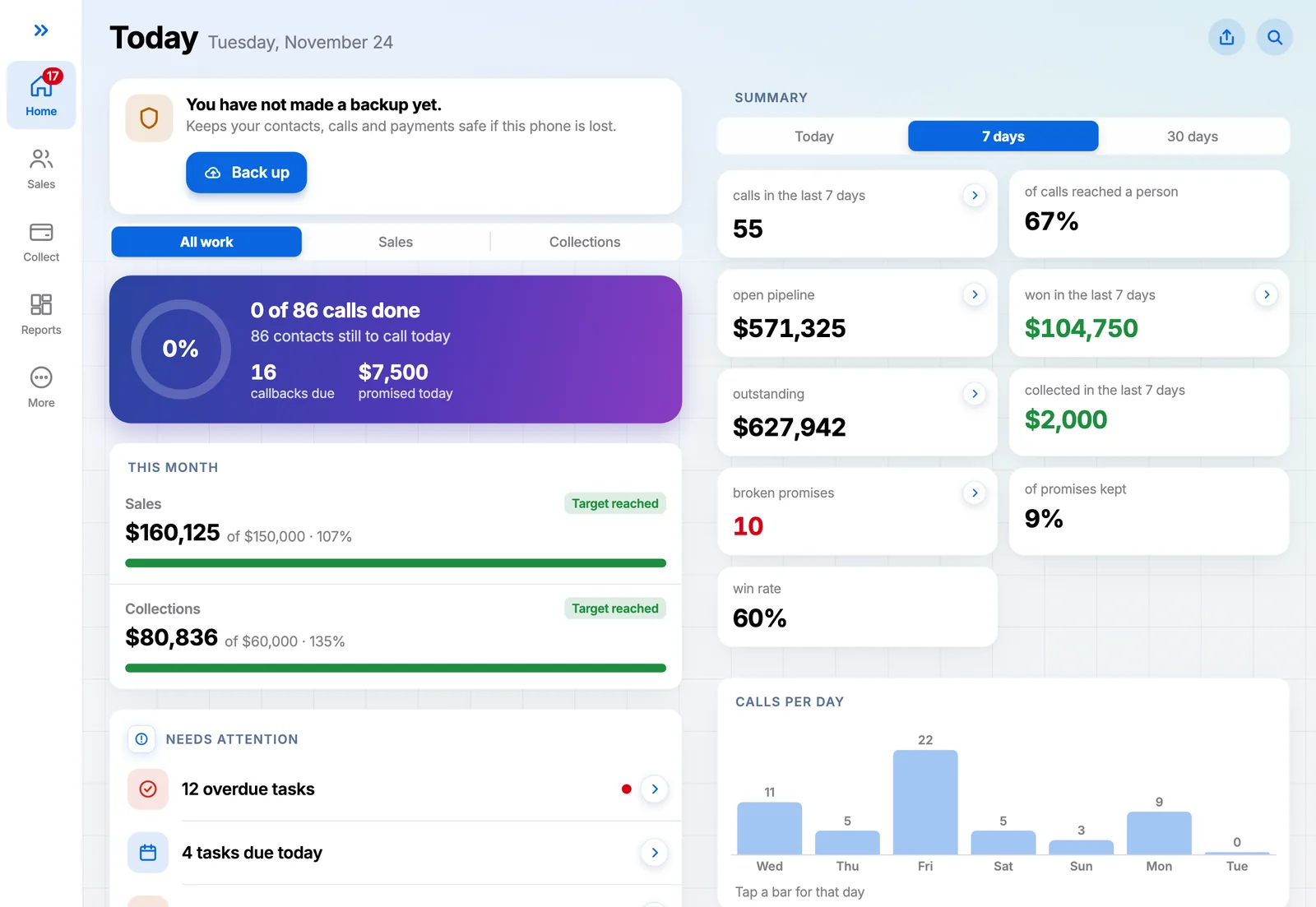
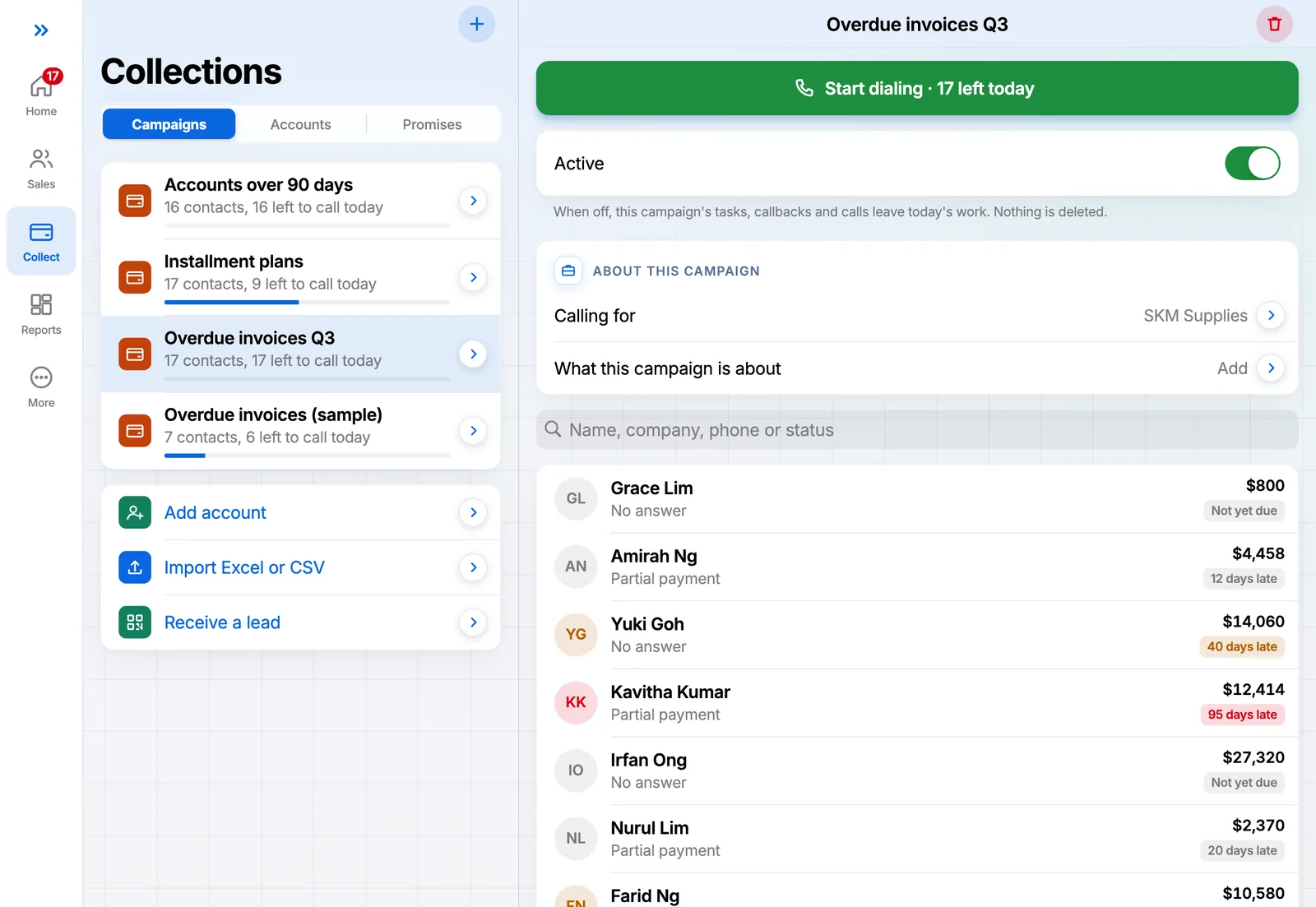
Record promises to pay with an amount and a date. When the day passes without payment the account joins the broken-promise queue and comes first in the dialer. Aging buckets show where the money is.
Callbacks due and broken promises come first, then the most valuable. Tap the number, talk, come back, pick the result, save and next.
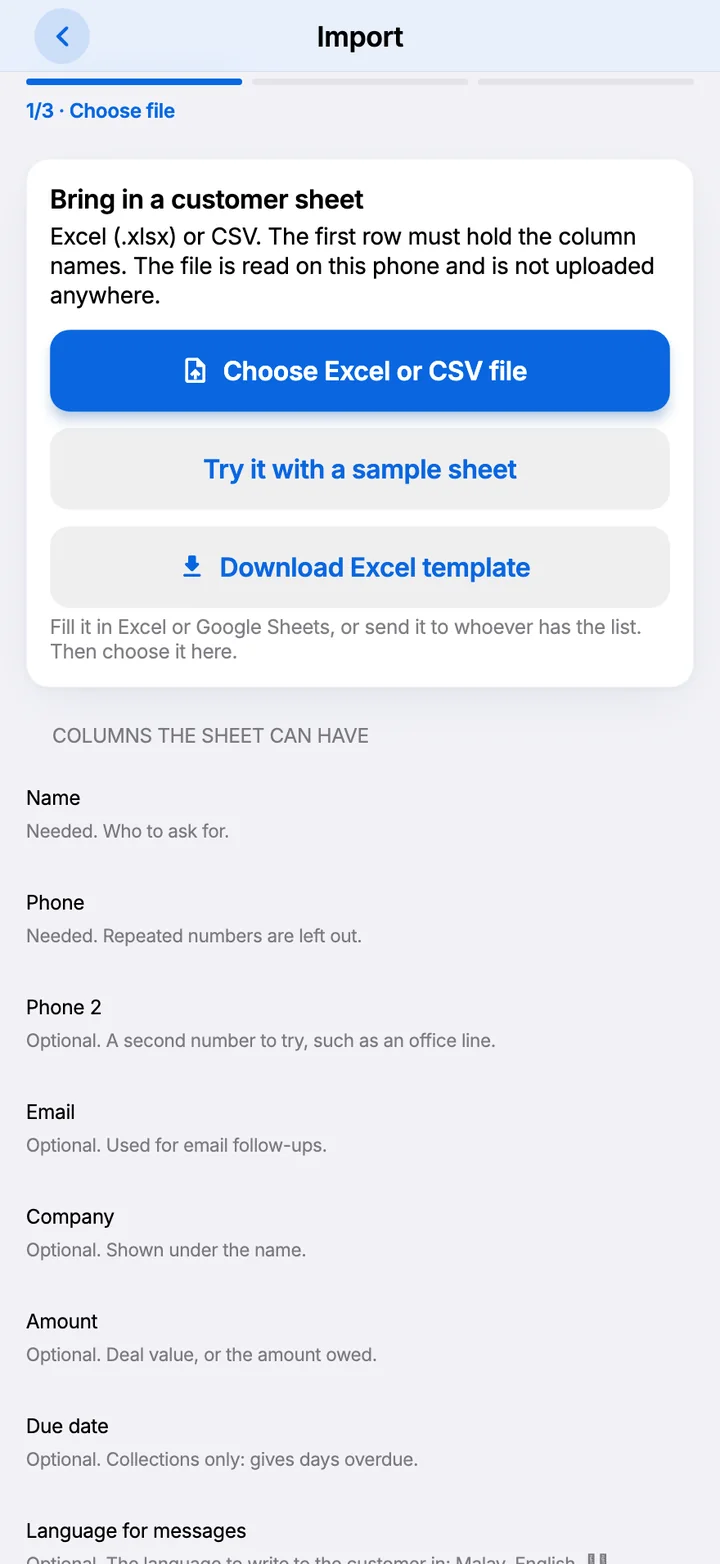
Match the columns and go. Big sheets, even a million rows, import in the background while you keep working. Duplicates are left out.
Promise to pay, partial payment, paid in full. Accounts grouped by how late they are, with a customer statement as a PDF on request.
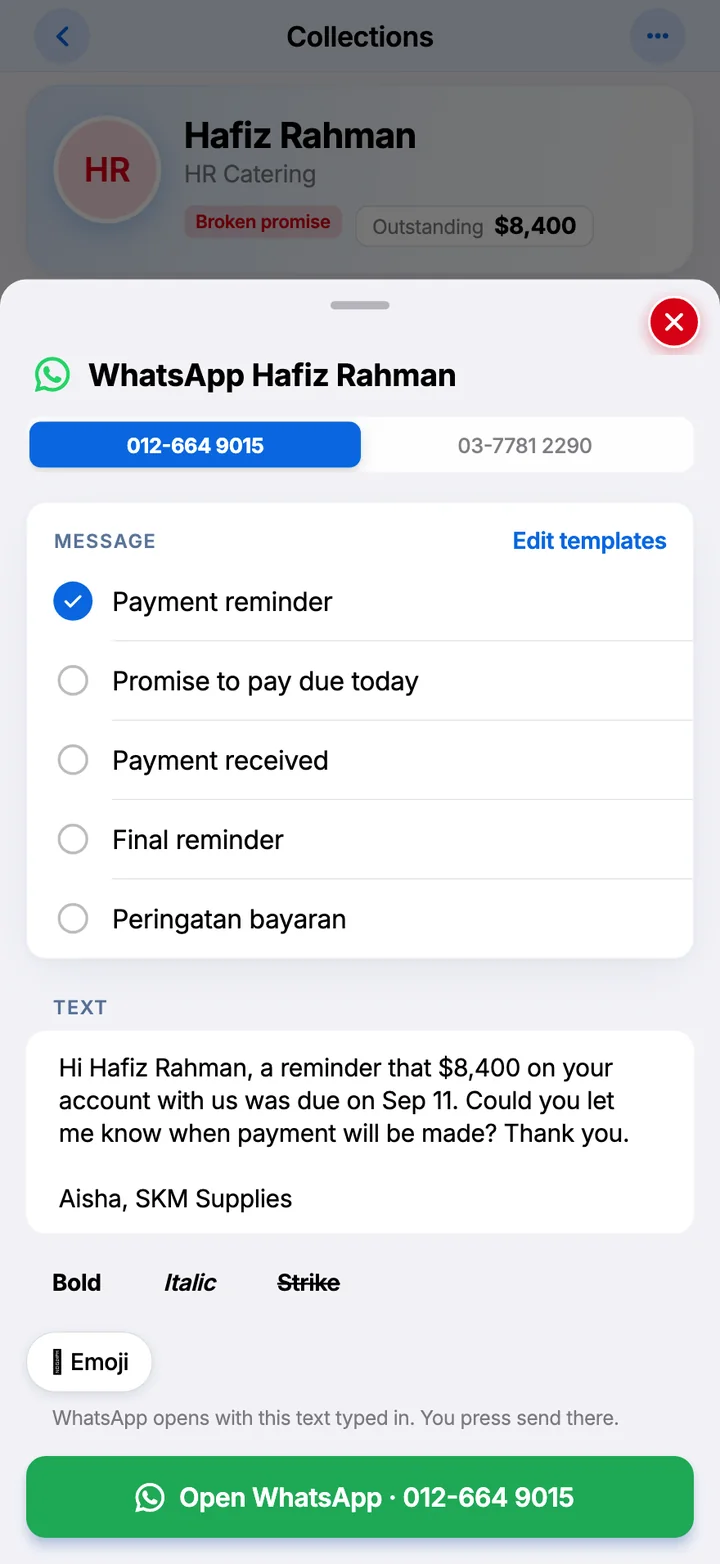
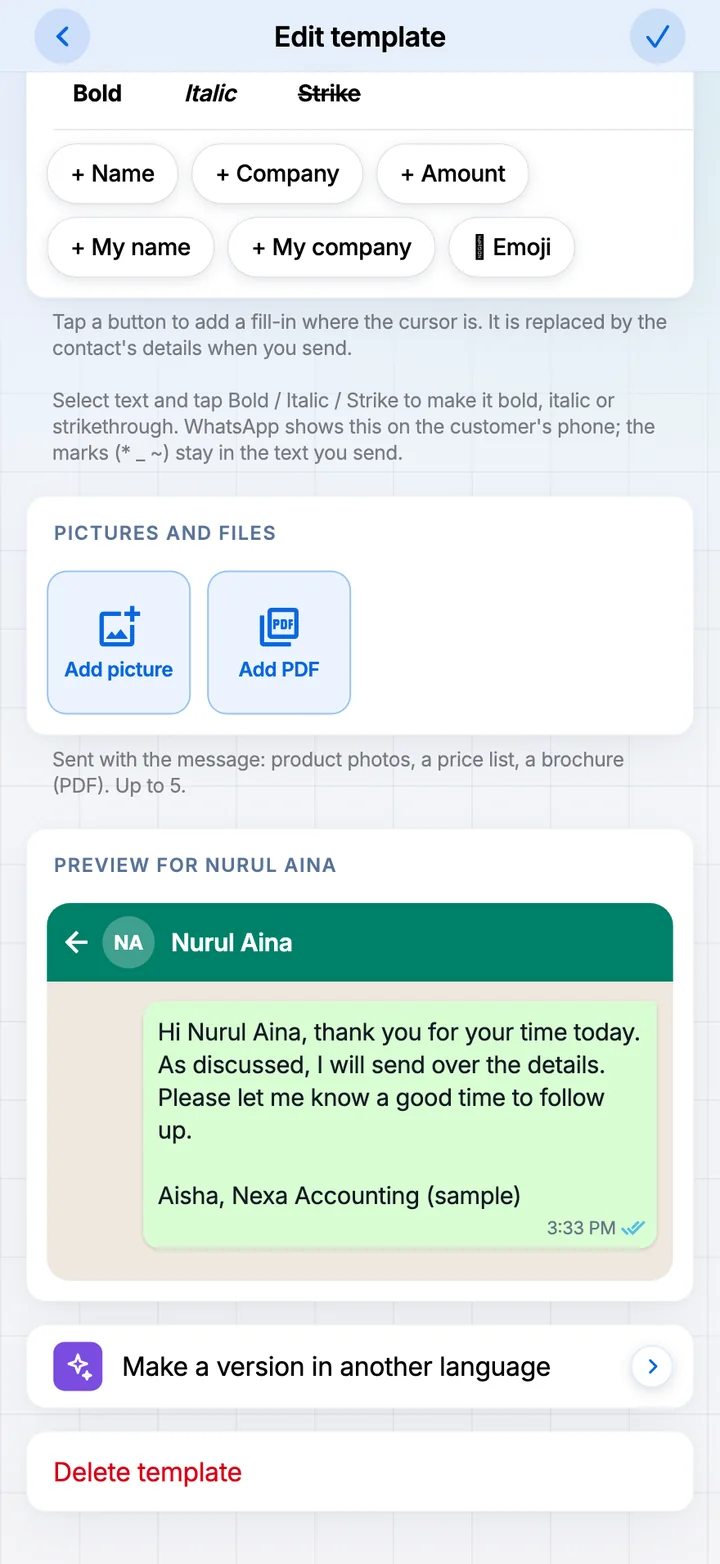
Templates with fill-ins for name, amount and due date, in several languages, with pictures and PDFs attached. WhatsApp or your email app opens with the message ready.
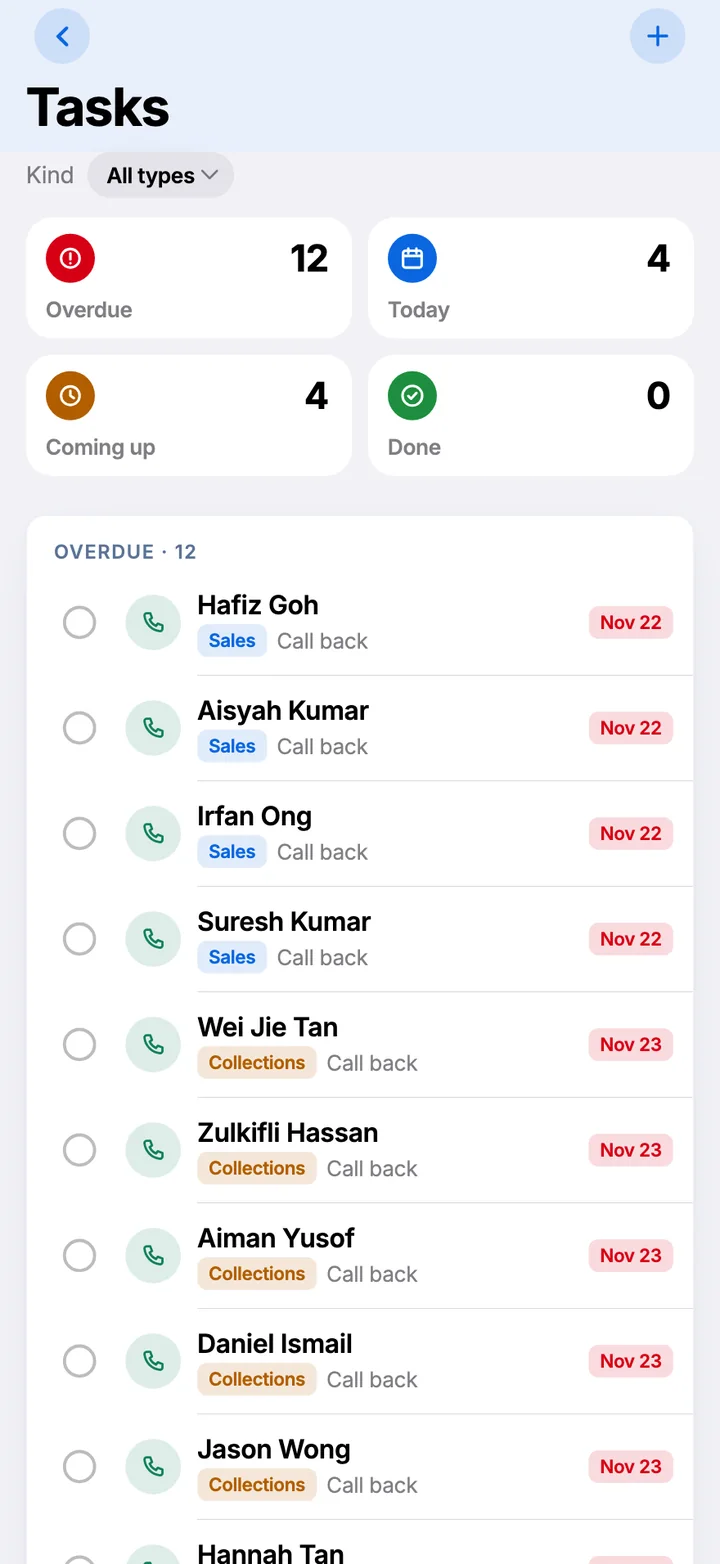
Callbacks, appointments, follow-ups and things you are waiting for. Home shows what is late or due today, with a map of the day's visits.
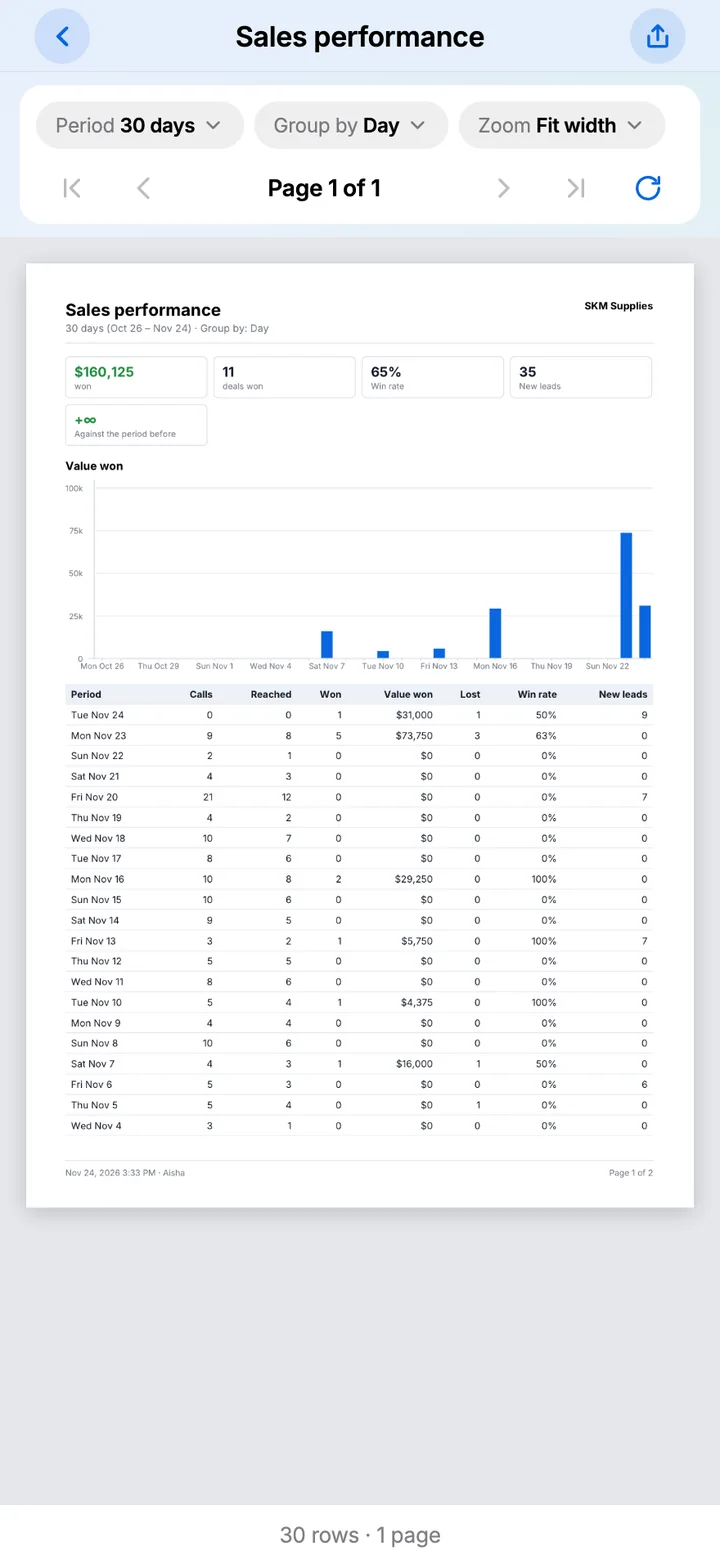
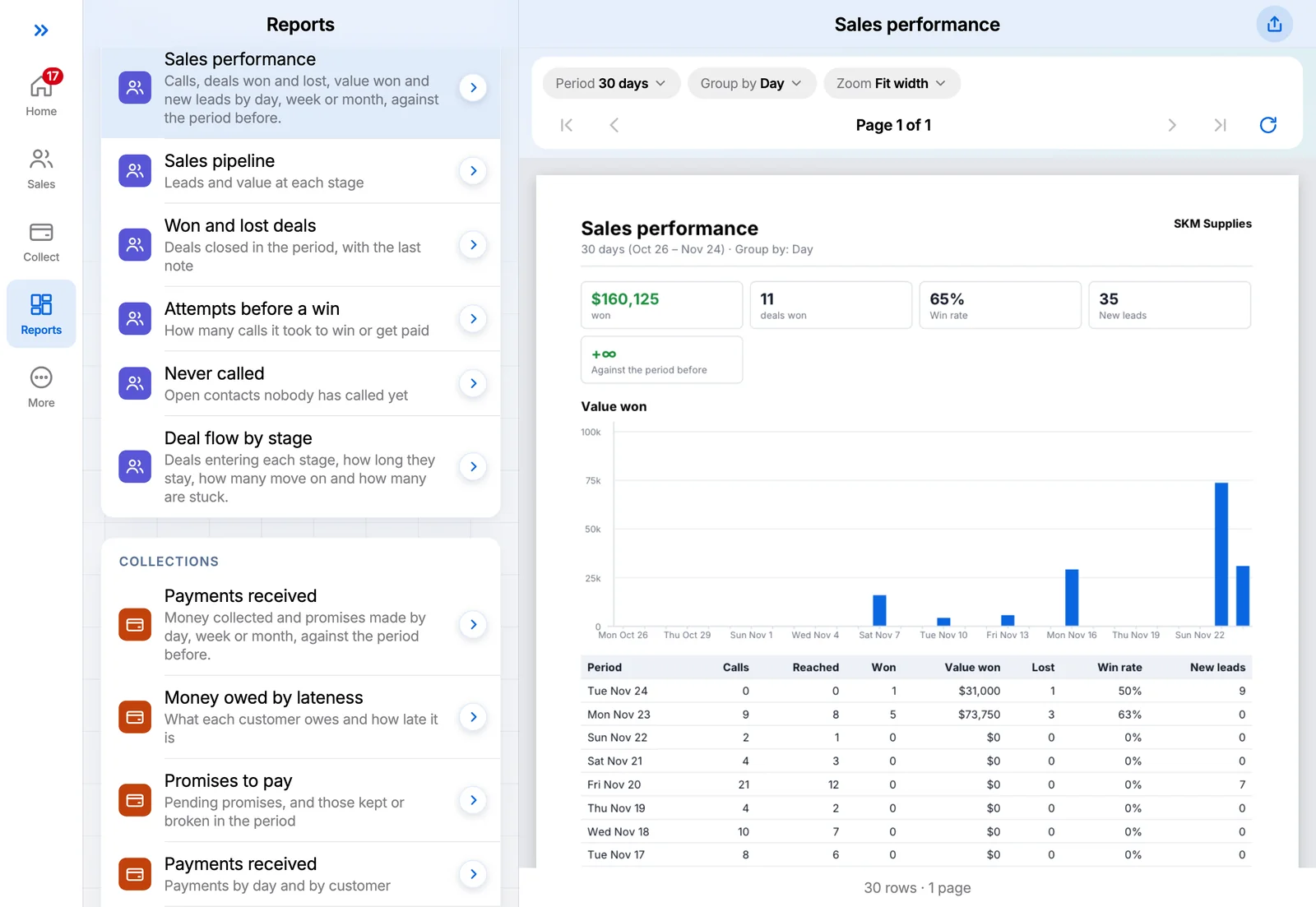
Sales performance, payments, target pace, collections forecast, recovery by age, deal flow and what works. Share as PDF or CSV, or print.
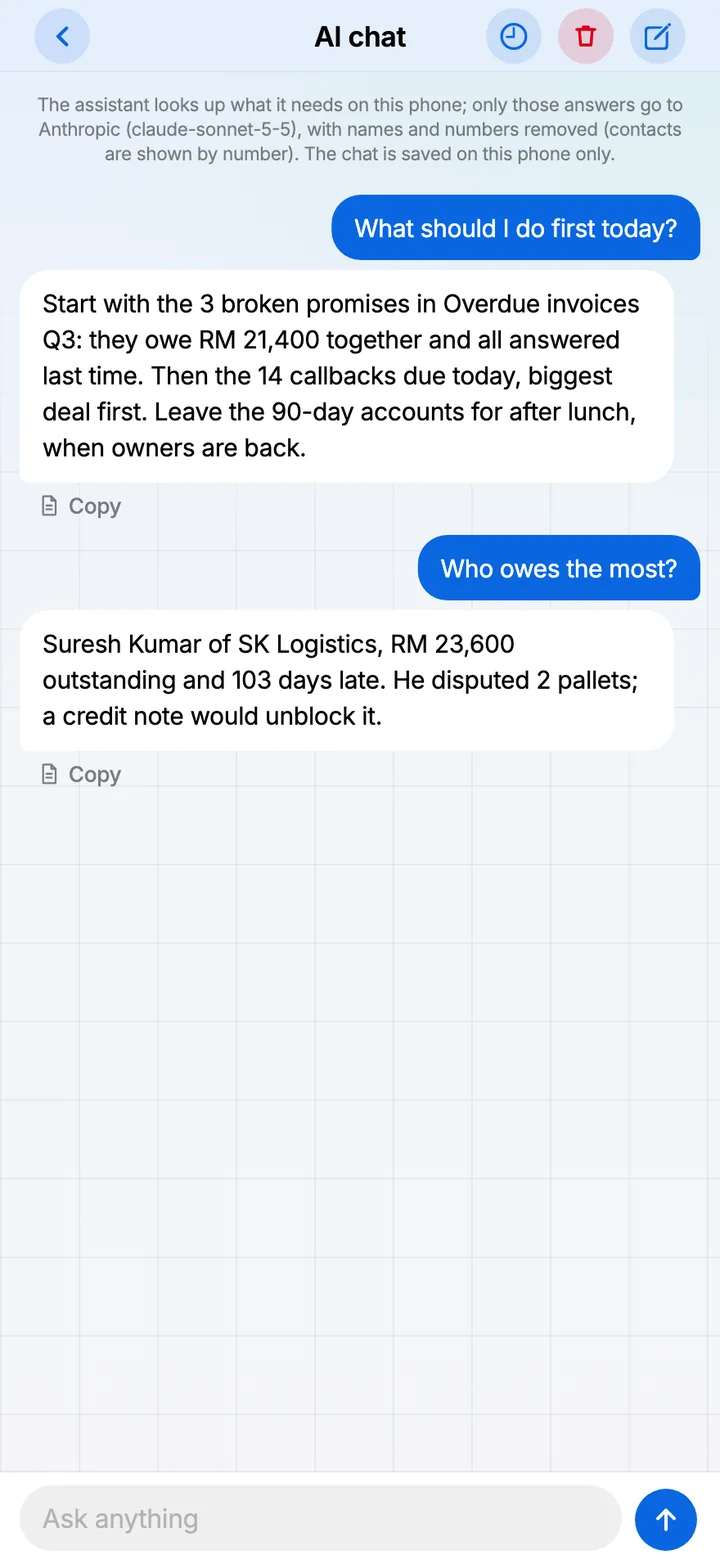
Connect OpenAI, Anthropic, Gemini, DeepSeek and others. Off by default, with a data notice and masking that strips names and numbers before sending.
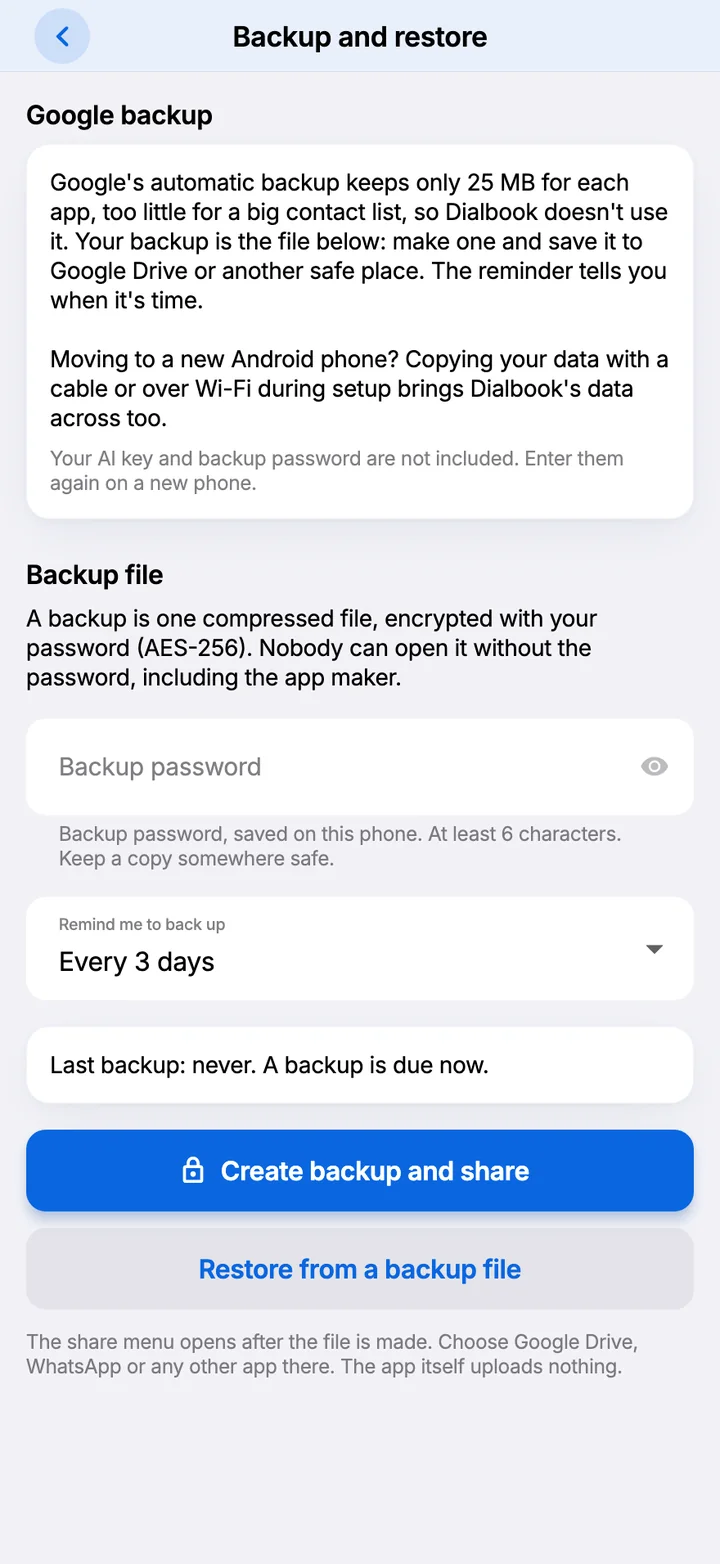
One file, encrypted with your password (AES-256). Save it to Google Drive, email or your computer and restore it on a new phone.
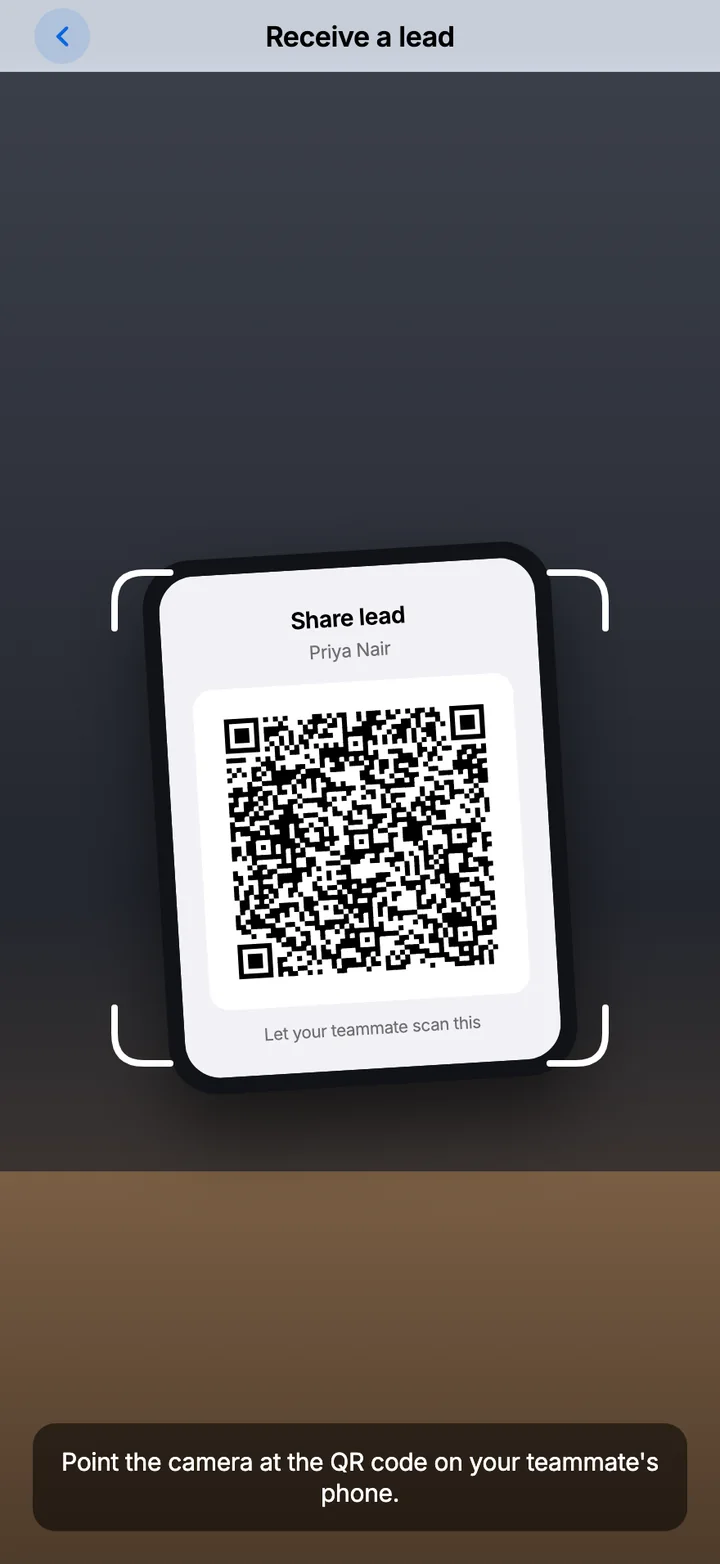
Hand a lead to a teammate by showing a QR code. Nothing goes through a server or the internet; the lead travels inside the code.
Large type, one job per screen, and the next person to call always at the top.
Turn an iPad sideways and the menu sits on the left, lists open their items beside them, and Home shows today's work next to the week's summary.
Pick a template on the contact, and Dialbook fills in the name, company, amount and due date, adds the brochure or price list you attached, and opens WhatsApp with everything ready. The customer sees a normal message from your number. Nothing passes through Dialbook's servers, because there are none.
Prices are shown in the app in your local currency. Pro is a yearly or monthly subscription, or a one-time lifetime purchase, through the App Store or Google Play.
Manage or cancel any time in your App Store or Google Play subscription settings.
Contacts, notes, amounts and passwords never reach us. There is no account and no server, and no advertising or analytics in the app.
When you create a backup file, and when you turn on your own AI provider. Both are off until you act.
Turn on masking and names, companies, emails and phone numbers are removed before anything is sent to your provider.
Settings › Privacy and data removes every list, note and setting from the phone.
The help centre covers every screen with pictures, from first setup to restoring a backup on a new phone. For anything else, write to us and we reply within two working days.